
Wheeled Material Handler Personal Simulator

Wheeled material handlers are machines purpose-built to work with all kinds of “bulk” materials, including scrap metal recycling. They feature a wheeled carrier with an elevating cabin, outriggers, an articulated knuckle-boom, and a four-tine grapple.
For that reason, successful operation requires learning how to
- properly position the carrier, the cabin, and the outriggers, to get ready
- work with the knuckle-boom and grapple to pick up scrap metal to load containers (for transportation to mills).
Simlog’s Wheeled Material Handler Personal Simulator puts you at the controls of such a machine, with training scenarios typical of at work in a scrap metal recycling yard.
Now use 3 Displays to create a field of view of 180 degrees. (You can still use just one display, if space is limited.)
And all you need is one off-the-shelf computer. Either purchase your own off-the-shelf PC or choose the convenience of our PC bundle with Simlog software already installed, licensed, and ready to go.
Replica Controls for Wheeled Material Handler Personal Simulator
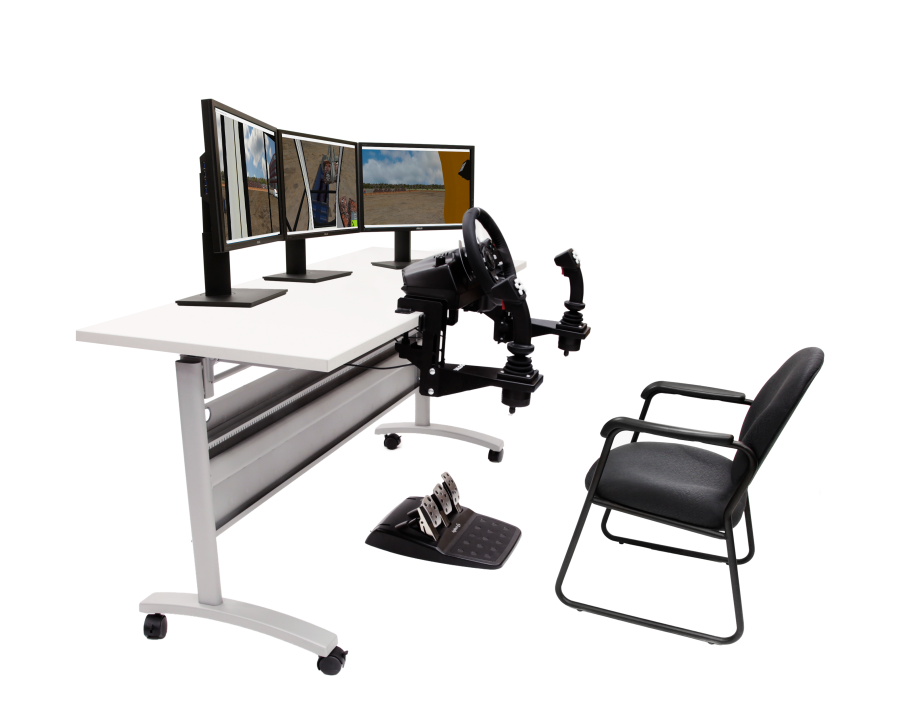
Simlog’s Replica Controls for the Wheeled Material Handler Personal Simulator feature industrial strength components suitable for both tabletop mounting and Simlog’s Operator Chair. If you are a Simlog customer, then you may be able to re-use the Replica Controls that you already have. To learn more, please contact Simlog.
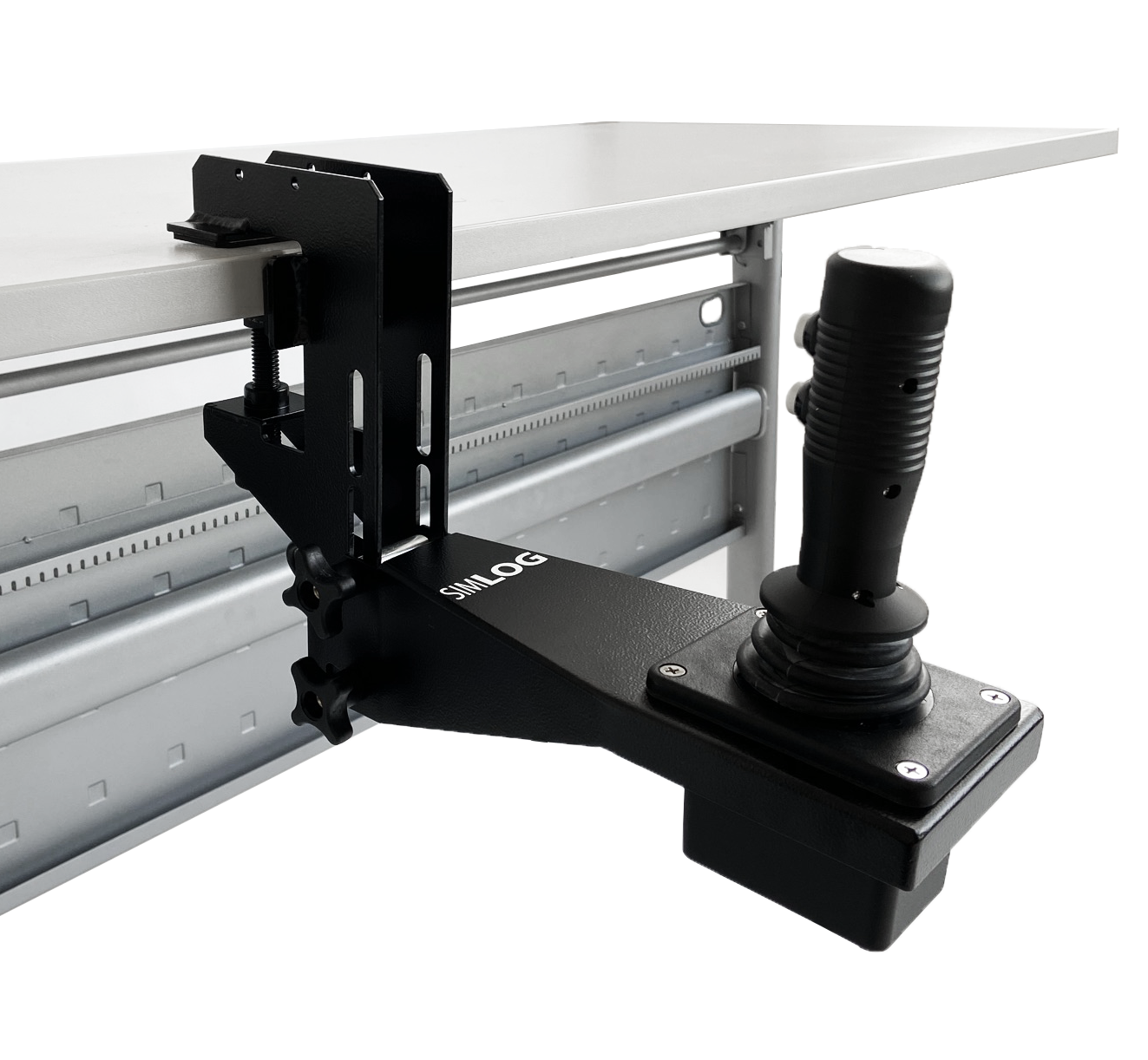
Simulator controls begin with two “Multi-Purpose” Replica Controls joysticks with 8 push-buttons, that can be used with many other Personal Simulators. Simlog can also provide table-top mounting brackets to bring the joysticks down from tabletop height to the sides of an ordinary chair, to better mimic the positioning of operator controls in the cabin of real wheeled material handlers.
To complete the Replica Controls, add a commercial-of-the-shelf (COTS) USB-ready steering wheel and “toe down” 3-pedal unit, along with Simlog’s Transmission Replica Control Lever suitable for many other Personal Simulators. (A COTS “shifter” can also be used.)
 Transmission Control Lever
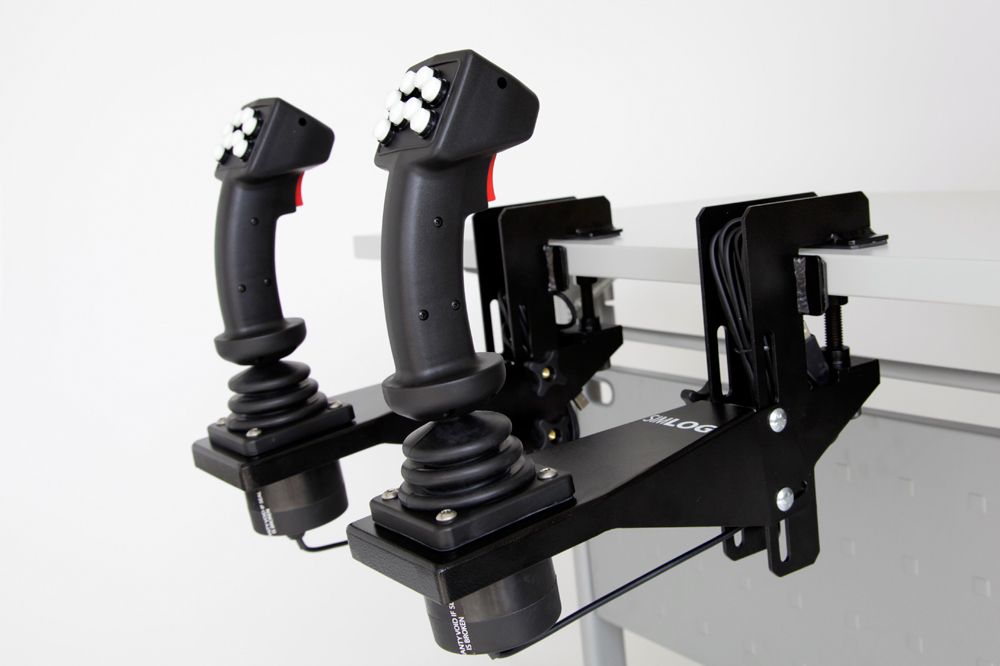 Replica Controls - 8 push-buttons with Simlog's Tabletop Mounting Brackets
 Logitech G920 Steering Wheel
 Logitech G920 Pedals
 Possible Setups
Here are four possible arrangements, two with a single display in front, and two with three displays in front arranged side-by-side. As shown here, the displays can be oriented in the horizontal “landscape” mode or the vertical “portrait” mode. (The wheeled material handler is a “swing” machine so to look backwards, you rotate the upper–carriage on the undercarriage, and that’s why there is no rear display.)
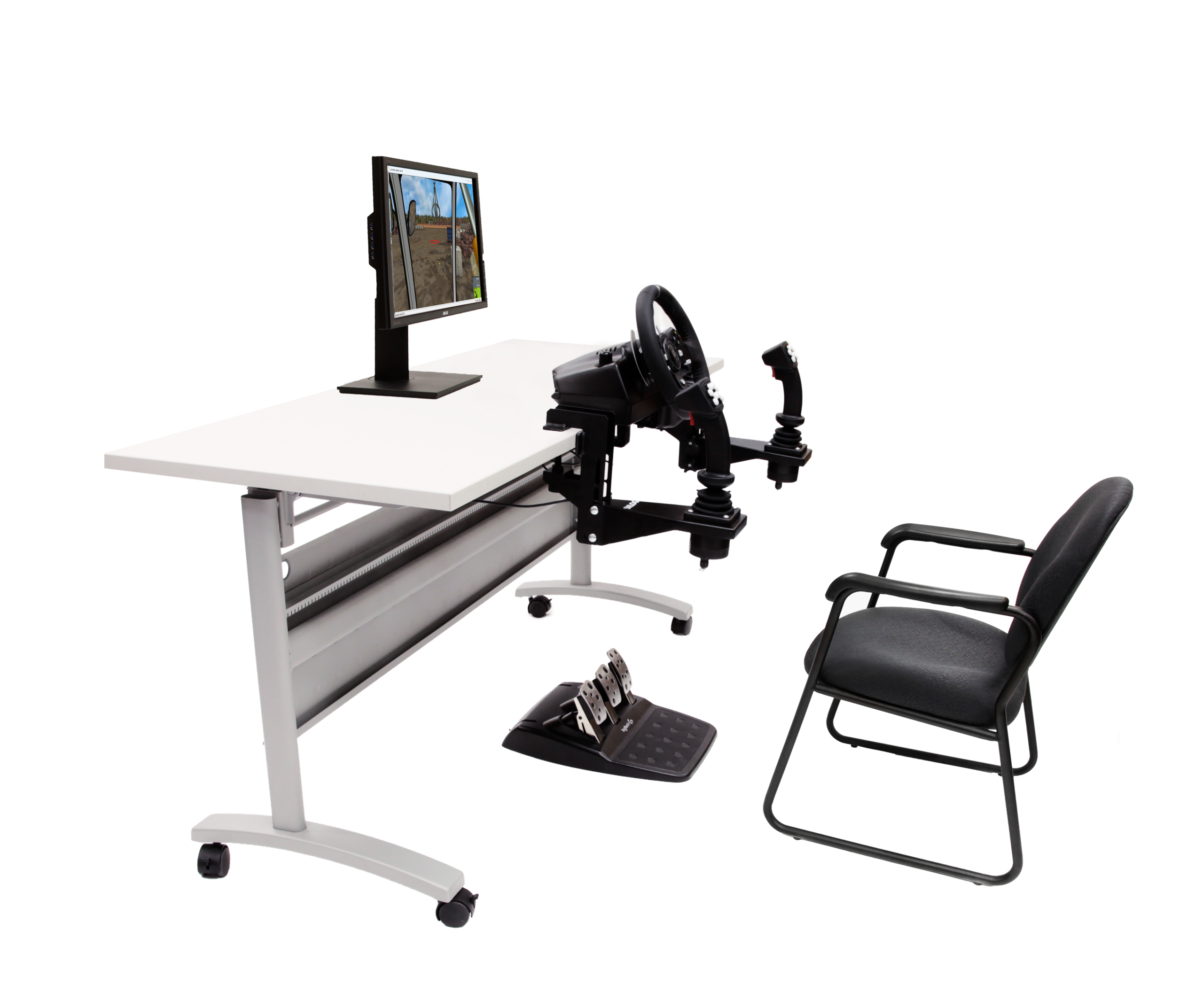 Wheeled Material Handler Personal Simulator setup with Replica Controls and 1 Display
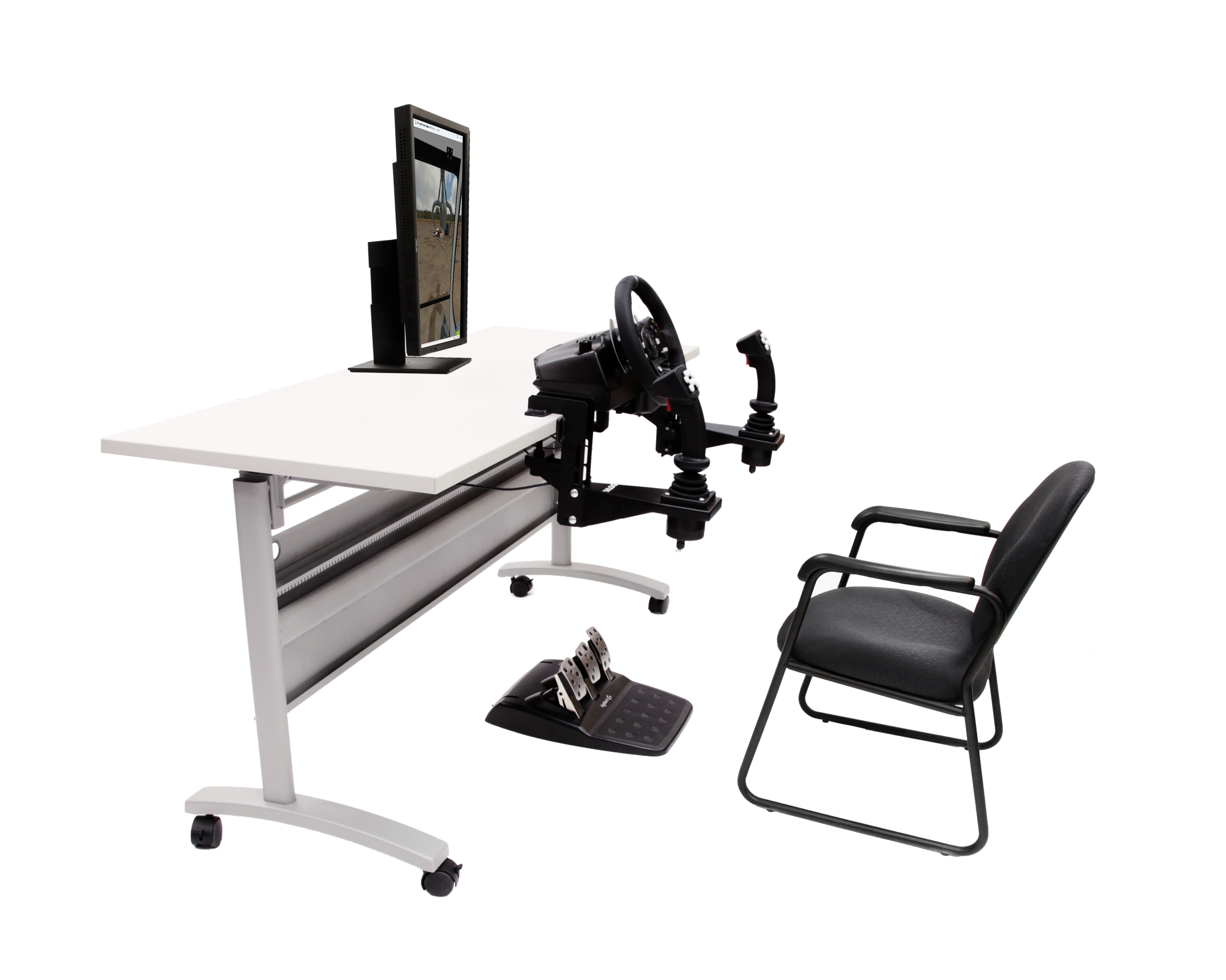 Wheeled Material Handler - Replica Controls- 1 display - portrait mode
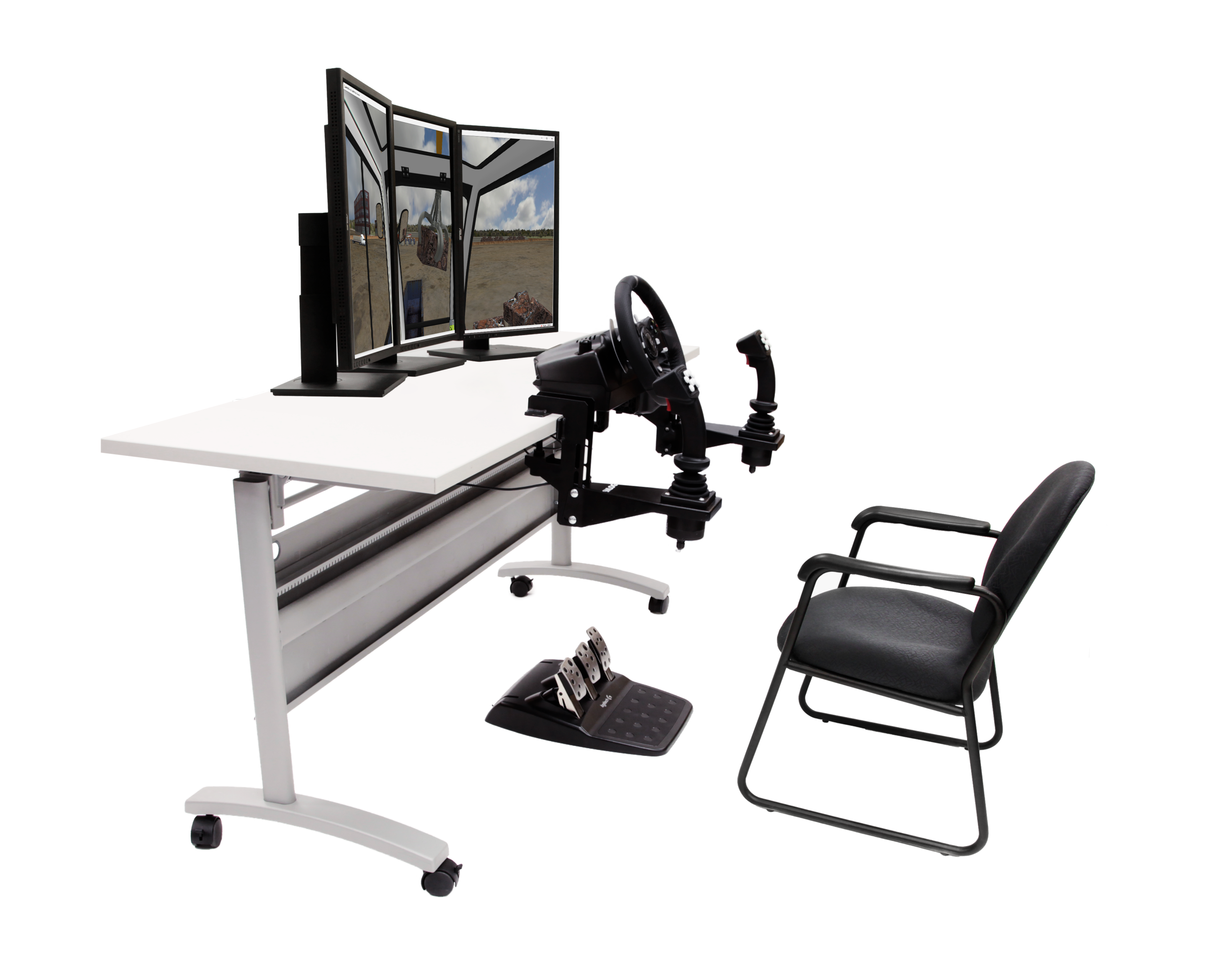 Wheeled Material Handler - Replica Controls - 3 displays - portrait mode
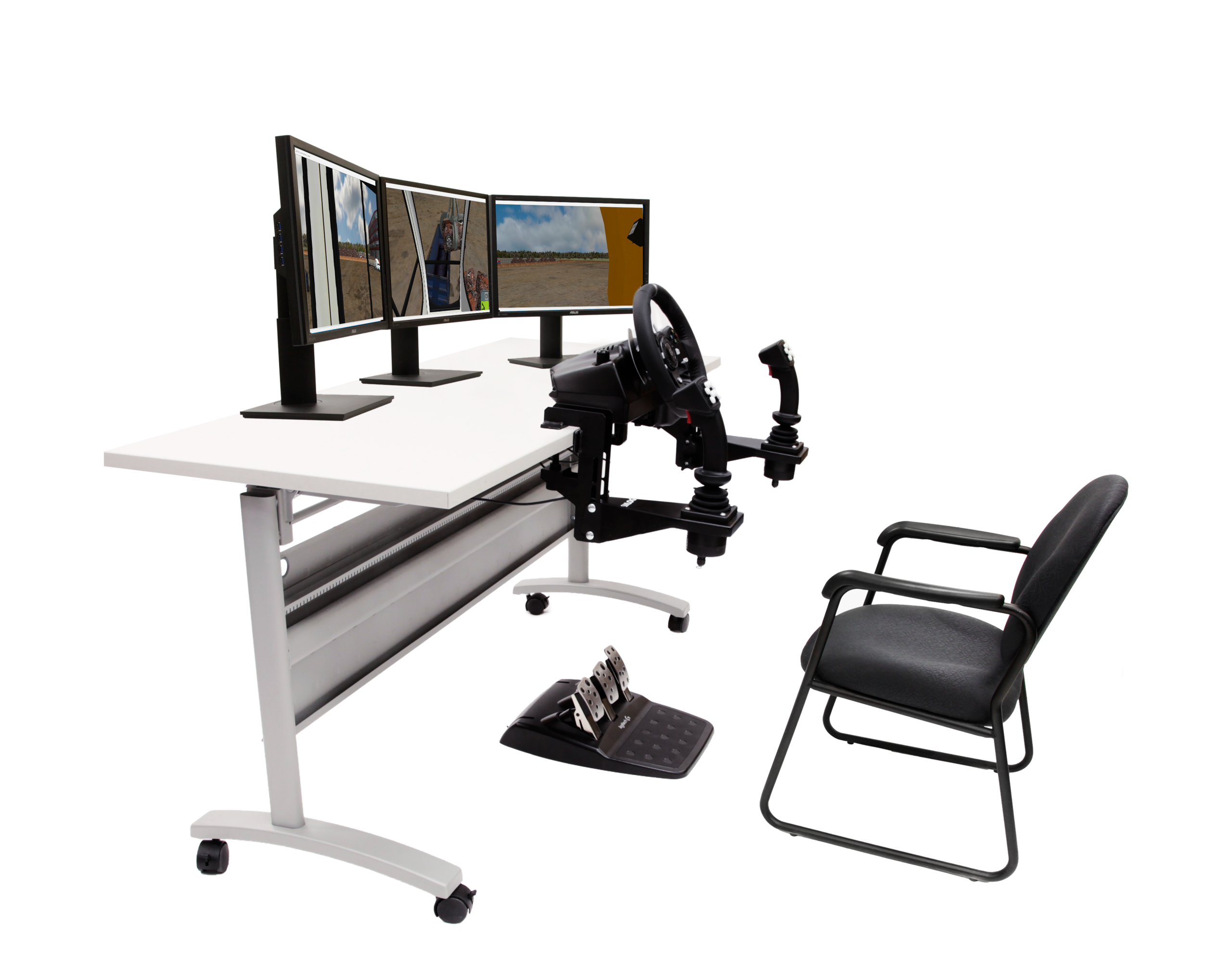 Simlog Wheeled Material Handler setup with Replica Controls and 3 displays
Custom Travel Cases for Replica Controls
For all setups, Simlog’s Custom Travel Case makes transportation easy.
 Travel Case for Simlog Personal Simulators
 Travel Case for Simlog Personal Simulators - Opened
 Travel Case for Simlog Personal Simulators - Stacked
Key Features
- Made-to-measure, with dedicated slots for levers, joysticks, pedals, steering wheel, and tabletop mounting brackets
- Space for a laptop PC, cables, and documentation
- Pull-out handle, with multiple positions
- Wheels (casters)
- Cases are “stackable,” for easy transport
Specifications
- Overall dimensions: 30″ (76cm) x 24″ (61cm) x 19″ (50cm)
- Approximate weight: 50 lbs. (23 kg) when empty, up to 100 lbs. (46 kg) when full (depending upon the Replica Controls)
Operator Chair for Wheeled Material Handler Personal Simulator
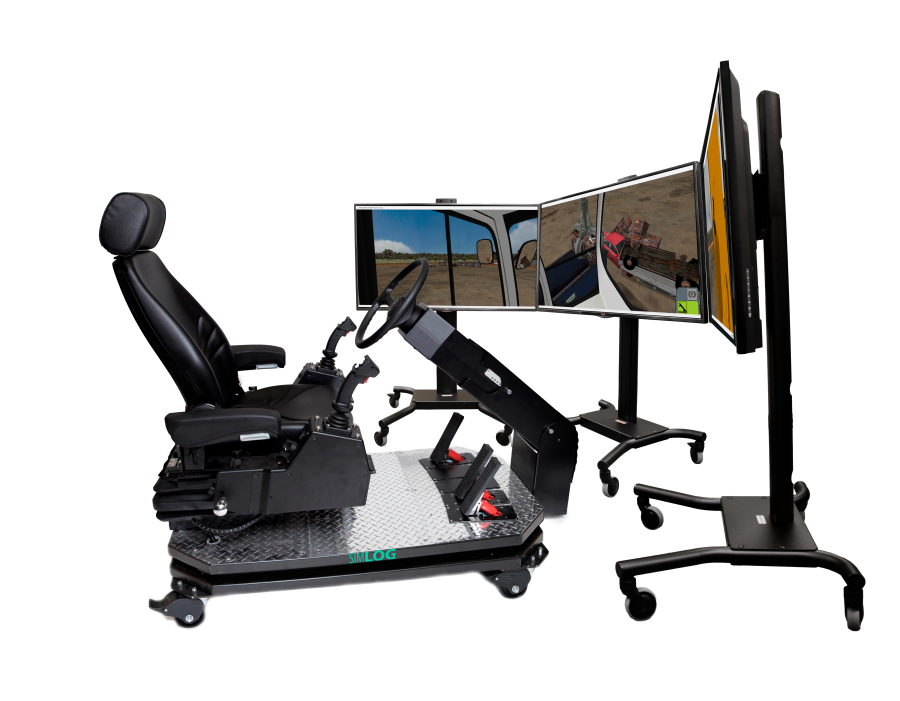
Simlog’s Operator Chair with industrial controls offers a superior simulation experience to train operators, thanks to an authentic operator seat with consoles for the left and right hands and an adjustable steering column. All the components are mounted on an industrial platform with casters, for easy portability.
The industrial steering wheel is mounted on a column that easily telescopes and pivots to numerous angles. The Operator Chair also includes three industrial pedals.
The “Multi-Purpose” joysticks with 8 push-buttons are can be used with many other Personal Simulators. There are also two toggle switches to control the parking brake and the outriggers.à
Now use 3 Displays to create a field of view of 180 degrees. (You can still use just one display, if space is limited.)
If you already have a Simlog Operator Chair to use with some other Personal Simulator, then you may be able to “re-use” that and simply purchase the software license for Wheeled Material Handler.
Possible Setups
Here are four possible arrangements, two with a single display in front, and two with three displays in front arranged side-by-side. As shown here, the displays can be oriented in the horizontal “landscape” mode or the vertical “portrait” mode. (The wheeled material handler is a “swing” machine so to look backwards, you rotate the upper–carriage on the undercarriage, and that’s why there is no rear display.)
 Wheeled Material Handler Personal Simulator set up with Operator Chair and 1 Display
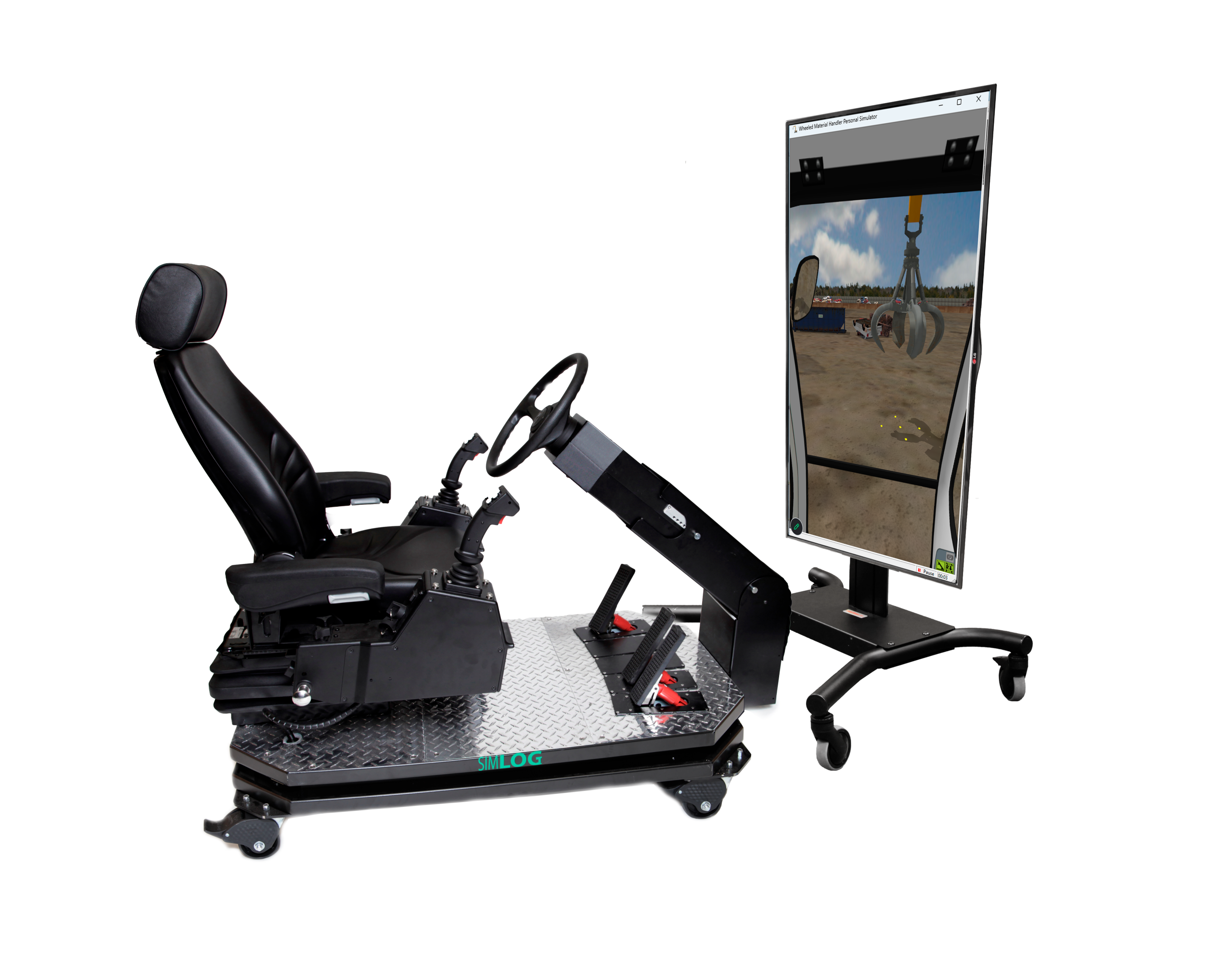 Wheeled Material Handler - Operator Chair - 1 display - portrait mode
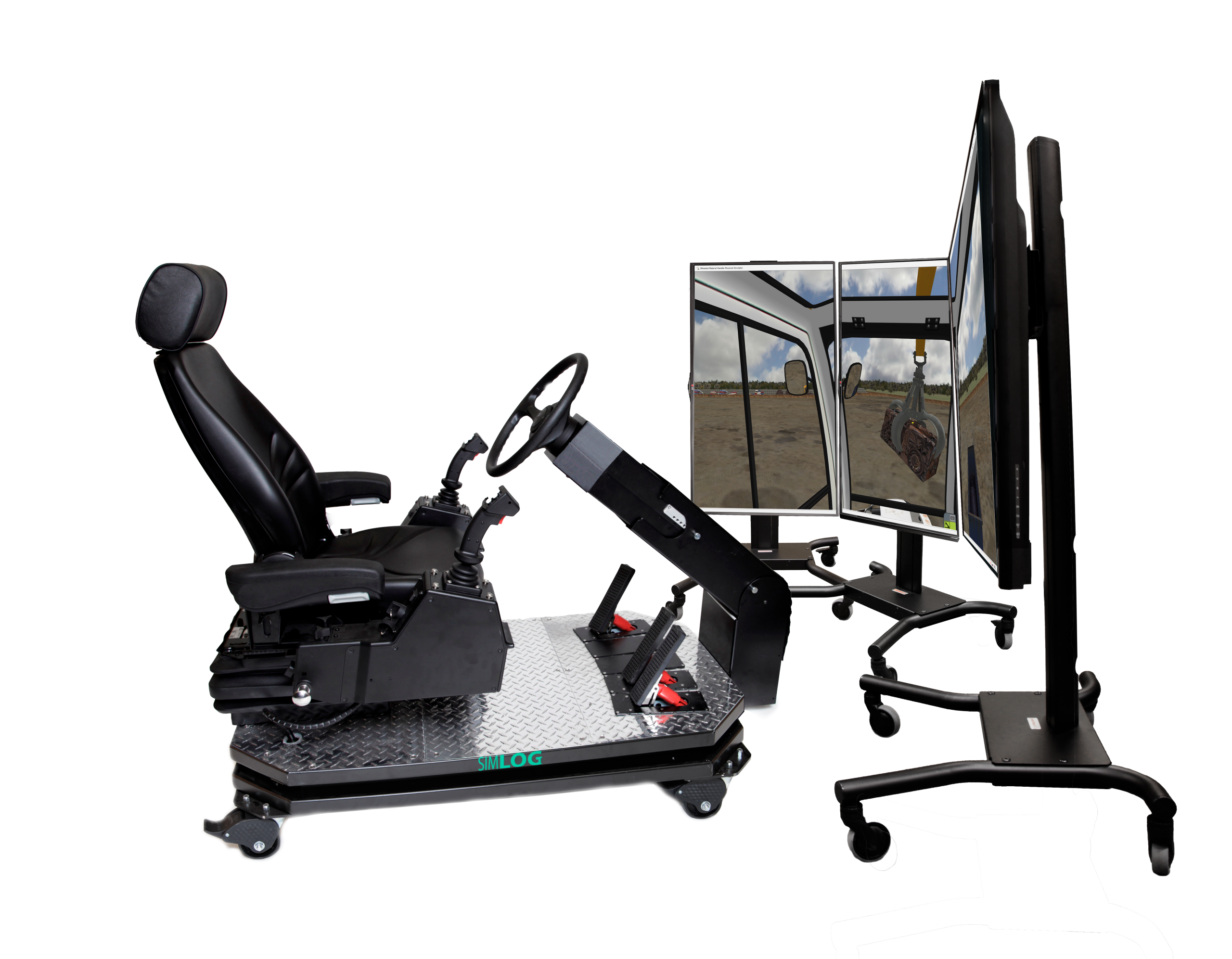 Wheeled Material Handler - Operator Chair - 3 displays - portrait mode
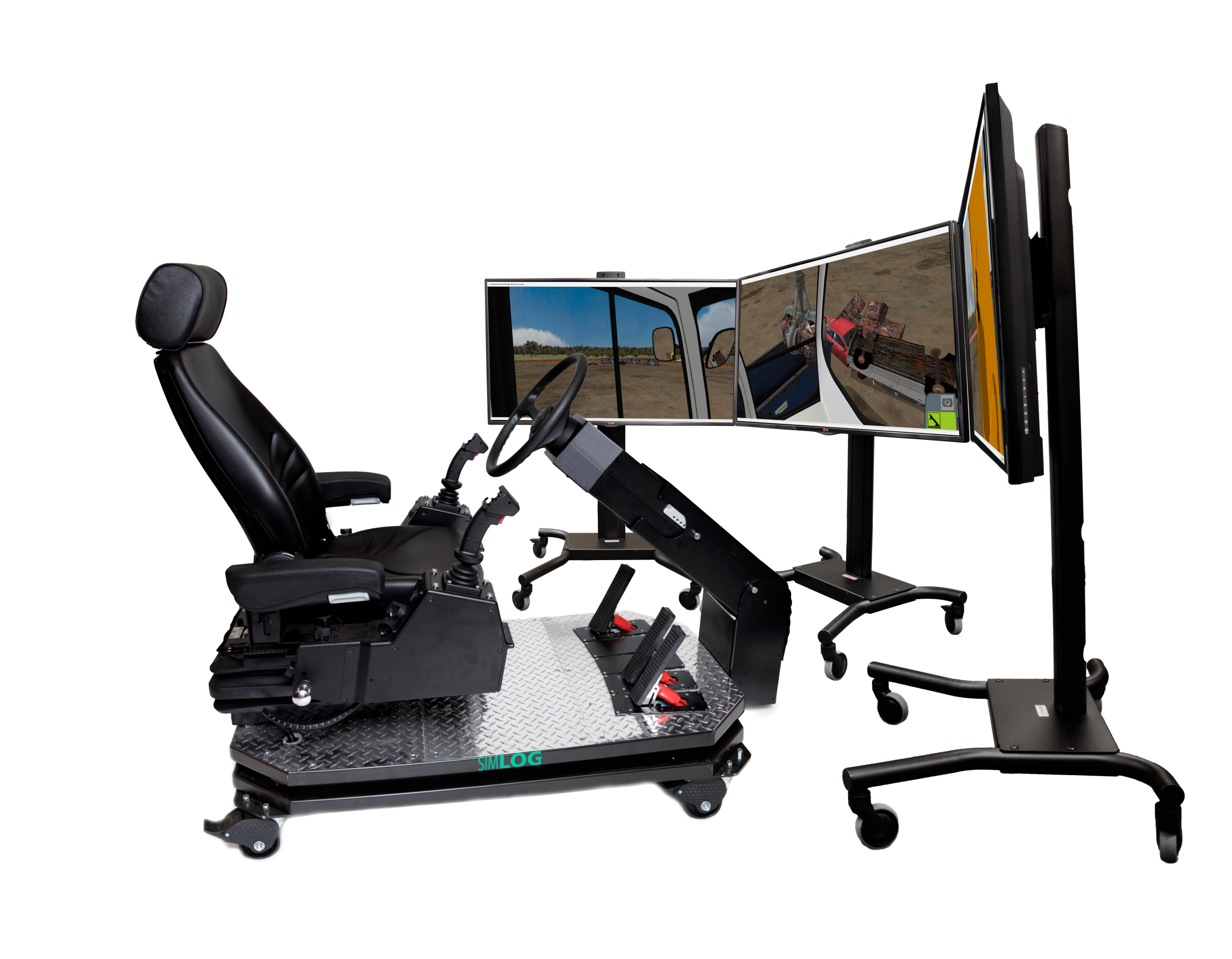 Simlog Wheeled Material Handler setup with Operator Chair and 3 displays
Key Features
- Authentic industrial operator seat, with headrest, air suspension, and seat-belt
- Adjustable seat position (forward/backwards, three vertical positions)
- Adjustable armrests (in height and angle)
- Integrated consoles for the two joysticks
- Full steering column with pivot and telescope capabilities
- Fully functional industrial style pedals
- Five possible pedal positions, to create the typical placements found in real operator cabins
- Steel platform with heavy-duty casters for easy portability
Specifications
- Overall Dimensions: L 60” (152.4 cm) x W 30” (76.2 cm) x H 47” (119.4 cm)
- Weight: 385 lbs. (175 kg)
- Shipping Dimensions: 67″ (170.2 cm) x 43″ (109.2 cm) x 44″ (118.8 cm).
- Shipping Weight: approximately 550 lbs. (250 kg) One unit per skid, not stackable.
- 120 VAC/60 Hz, 220-240VAC/50 Hz
Wheeled Material Handler Personal Simulator
The simulation software puts you at the controls of a typical wheeled material handler at work in a typical scrap metal recycling yard. Both SAE and ISO joystick patterns are available, and changing the point of view during the simulation is easy with joystick buttons, keyboard function keys and mouse controls.
Simulation Modules
There are a total of five Simulation Modules, as follows:
- Controls Familiarization
- Line Following, to master the coordination of the boom and stick
- Grapple Positioning, that also requires proper positioning of the wheeled carrier
- Container Loading 1, to place “blocks” of crushed metal in containers on the ground
- Container Loading 2, now with containers on trucks, as an added level of difficulty
Key Performance Indicators
Key Performance Indicators measure how quickly and how carefully the simulated work is performed. With 31 unique Performance Indicators, feedback is diagnostic, instead of just a consolidated pass/fail score. They include execution time, productivity, grapple height and angle when driving, cabin elevation when driving and when handling material, and counting many kinds of collisions (grapple, ground, undercarriage, etc.).
A variety of incorrect operating conditions will trigger “Procedure Errors,” such as driving “out of bounds.” Finally, conditions related to safety receive special attention: causing the wheeled material handler or a container to overturn, will trigger a “Fatal Error” and the simulation immediately stops.
Here we present just a few of the Wheeled Material Handler Personal Simulator videos from Simlog’s YouTube channel.